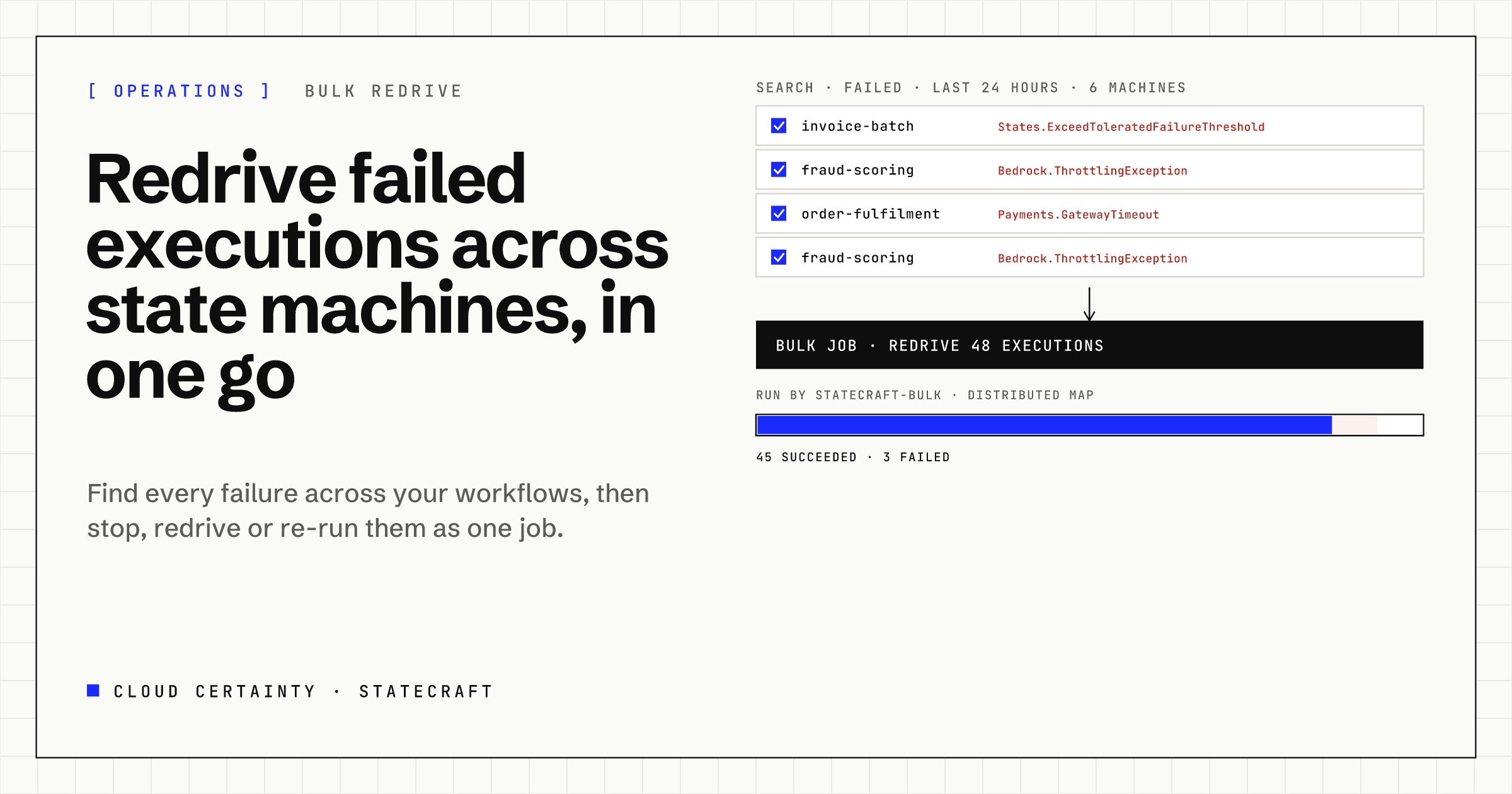
A downstream API has a bad hour. By the time it recovers, hundreds of Step Functions executions have failed, spread across a dozen workflows in two accounts. Fixing it in the console means opening each state machine, filtering for failures, and redriving executions one at a time.
That's not carelessness in the console. ListExecutions reads one state machine at a time, and RedriveExecution redrives one execution per call. Anything better has to be built around them. StateCraft builds it.
Find every failure at once
StateCraft's Executions page searches across state machines: up to 200 at a time in an account and Region, eight read in parallel, filtered by status (failed, timed out, aborted, running, pending redrive), time window and name prefix. The results are one list, newest first, grouped into failure clusters by state machine and error, so a page of red becomes "214 Payments.GatewayTimeout in order-fulfilment, 31 Bedrock.ThrottlingException in fraud-scoring".
Filters live in the address, so a search is a link you can share in the incident channel, or save as a named view.
Redrive, stop or re-run as one job
Select executions, from a cluster, a search or a state machine's own list, and choose:
- Redrive: continue each failed execution from the state that failed, keeping the work already done. This is Step Functions' own redrive, with its rules: Standard executions only, within 14 days of failing, and not once an execution has 24,999 or more history events. StateCraft shows each execution's redrive status and the reason when it can't be redriven, before you start.
- Stop: stop running executions, with an error and cause you choose, for example when a bad deployment is still being exercised.
- Re-run: start a new execution with the same input and the same version or alias, for executions that can't be redriven or should start from scratch.
A bulk job takes up to 100, 250 or 500 executions depending on the plan, and a concurrency you set, so a recovering service isn't flooded again.
Step Functions runs the job
StateCraft doesn't loop through executions in a browser tab or a long Lambda function. A bulk job is an execution of StateCraft's own state machine in your account: a Distributed Map hands each item to a small worker function, with retries and backoff when Step Functions throttles, and a summary at the end. You can close the browser; the job carries on.
The job page shows progress and each item's result, and links to that state machine execution, which you can open in StateCraft like any other.
Permissions are checked for every item
A bulk job could easily become a way around access control. StateCraft is careful that it isn't:
- When you create the job, you need the run permission on the state machine of every execution in it.
- When each item runs, the worker checks your grants again, so a grant removed after the job started stops the remaining items.
- Every call to Step Functions is made with a short-lived session under your identity, narrowed by a session policy to your grants, so AWS enforces them as well.
- CloudTrail shows your email as the source identity of every redrive, stop and start, and StateCraft keeps its own record of who did what to which execution.
After the incident
Each execution started, stopped or redriven through StateCraft is recorded with who did it. The next morning's question, "who redrove these, and when?", has an answer in Administration › Execution records and in CloudTrail.
Try it
StateCraft is in early access; bulk jobs are part of the Team plan and above. Read the user guide (opens in a new tab), see the StateCraft page (opens in a new tab), or email [email protected] to join the early access programme.