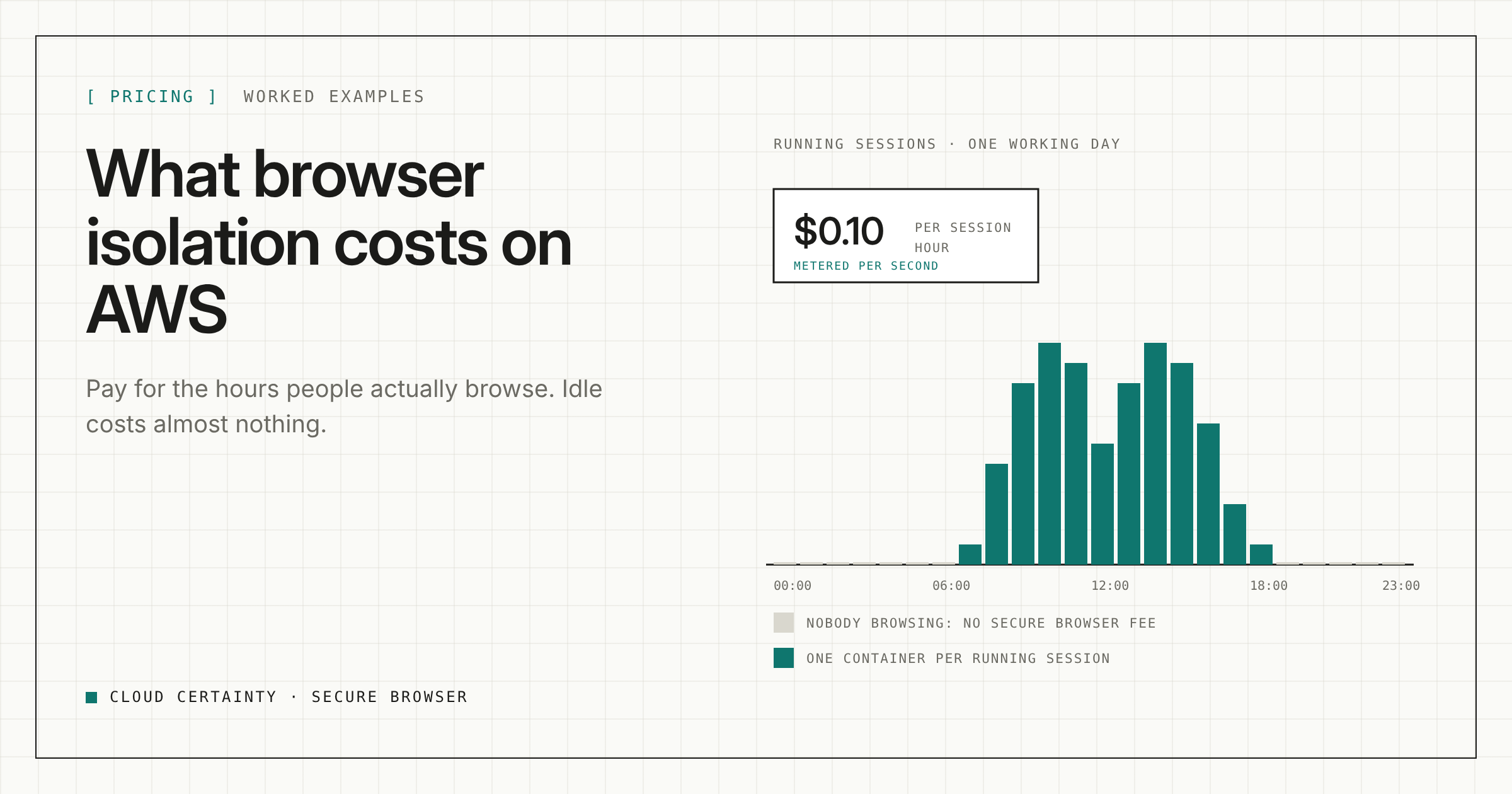
Browser isolation is often sold per user per month, whether or not anyone logs in. Cloud Certainty Secure Browser charges for the hours people actually browse. This post shows what that means in practice, with numbers you can adapt.
Two parts to the bill
1. The software fee. $0.10 per browser session-hour, through AWS Marketplace on your normal AWS bill. It is metered per second while a session runs, with a one-minute minimum. There is no upfront fee, no minimum commitment and no per-user licence. Installing and upgrading the stack also runs one short setup task of about a minute, billed the same way.
2. The AWS resources in your account, billed by AWS as usual:
- the compute for each running session, roughly $0.10 per hour at the default size in us-east-1;
- streaming relay minutes, a small amount per session;
- a NAT gateway, if you use private subnets and don't already have one;
- small amounts for the serverless parts: API, database, sign-in, hosting and logs.
Prices vary by Region, so check the AWS pricing pages for yours. As a rule of thumb at the default size in us-east-1, each session-hour costs about $0.10 in software fee and about $0.10 in compute, plus a little for relay.
When nobody is using it
Close to nothing. Containers exist only while someone is browsing, and the rest of the stack is serverless. The idle cost is a few cents a month, plus your NAT gateway if you run one just for this.
That makes it practical to deploy for occasional use without paying for it to sit there.
Worked examples
These are indicative and use the us-east-1 rule of thumb above. They exclude relay minutes, the serverless parts and any NAT gateway.
One user, two hours a day
2 hours × 21 working days = 42 session-hours a month.
- Software fee: 42 × $0.10 = $4.20
- Compute: about $4.20
- Total: about $8.40 a month
A contractor team of 25, three hours a day
25 people × 3 hours × 21 days = 1,575 session-hours a month.
- Software fee: 1,575 × $0.10 = $157.50
- Compute: about $157.50
- Total: about $315 a month, or about $12.60 per contractor
Opening risky links for investigation
A security team opens 10 suspicious links a day, ten minutes each: 100 minutes a day × 21 days = 35 session-hours a month.
- Software fee: 35 × $0.10 = $3.50
- Compute: about $3.50
- Total: about $7 a month
Because billing is per second after the first minute, short sessions cost what they last. A ten-minute look at a link costs roughly a sixth of an hour.
Settings that keep the bill low
The cost follows session time, so the controls that end idle sessions are also your cost controls. All of these are set in the admin console:
- Idle timeout. Ends a session after a number of minutes without keyboard or mouse input. Users get a 60-second warning first.
- Disconnect timeout. Ends a session when nobody is viewing it, for example after the user closes the tab. This catches the session someone forgot about.
- Maximum session length. A hard limit, up to 24 hours.
- Maximum sessions per user. Usually 1.
- Maximum concurrent sessions. A ceiling across all users.
On the infrastructure side, reuse an existing NAT gateway if your VPC already has one, rather than adding one just for this.
Where the money goes
All of the infrastructure runs in your account, so it appears on your AWS bill next to everything else you run, and you can see exactly what the sessions cost. Only the software fee goes to Cloud Certainty, and only for hours that were used.
Next steps
See the price on AWS Marketplace (opens in a new tab), read the FAQ (opens in a new tab) for the full cost breakdown, or send us a description of your setup at [email protected] and we will estimate it for you.